DriveTime catchup3.2.6
Publisher Description
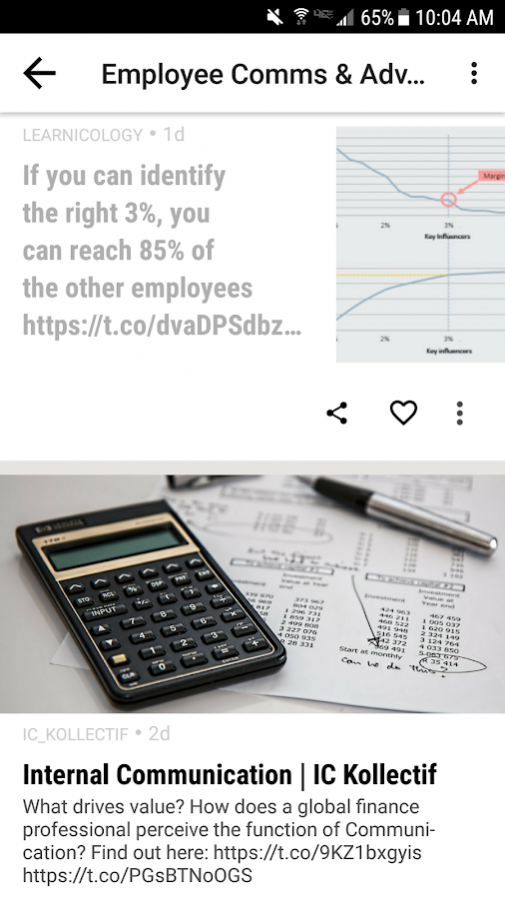
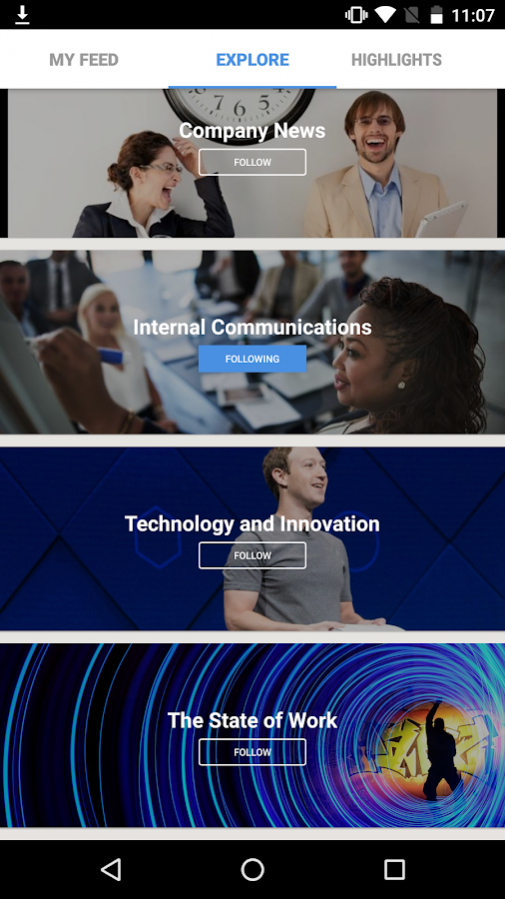
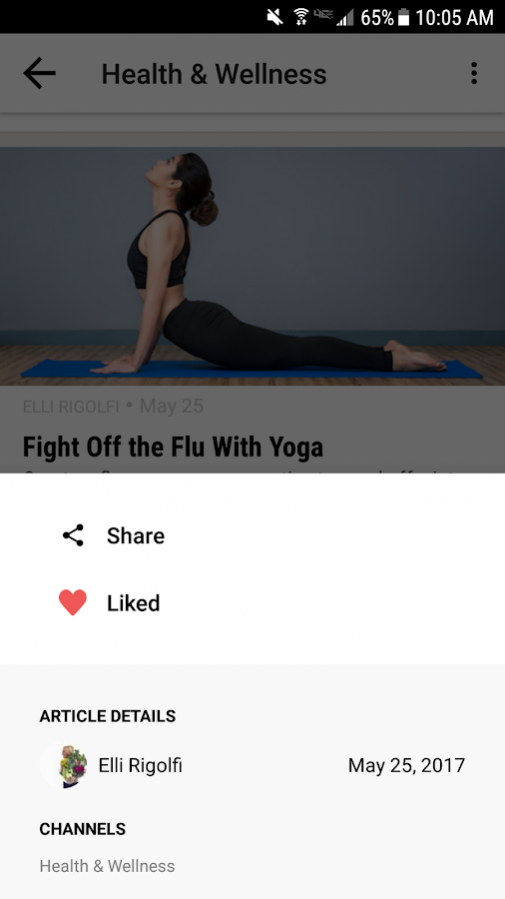
Discover the most important content of the day, and share it with your colleagues, peers and friends.
Why you’ll love the DriveTime catchup App:
- Stay up-to-date on top company and industry news in just 2 minutes per day
- Share relevant content to your social channels
- Receive push notifications for breaking news and announcements
- Embark on your journey to becoming a social thought leader
- Simple, productive, and rewarding
About DriveTime catchup
The company that develops DriveTime catchup is SOCIALCHORUS INC.. The latest version released by its developer is 3.2.6.
To install DriveTime catchup on your Android device, just click the green Continue To App button above to start the installation process. The app is listed on our website since 2017-09-22 and was downloaded 14 times. We have already checked if the download link is safe, however for your own protection we recommend that you scan the downloaded app with your antivirus. Your antivirus may detect the DriveTime catchup as malware as malware if the download link to com.socialchorus.djg.android.googleplay is broken.
How to install DriveTime catchup on your Android device:
- Click on the Continue To App button on our website. This will redirect you to Google Play.
- Once the DriveTime catchup is shown in the Google Play listing of your Android device, you can start its download and installation. Tap on the Install button located below the search bar and to the right of the app icon.
- A pop-up window with the permissions required by DriveTime catchup will be shown. Click on Accept to continue the process.
- DriveTime catchup will be downloaded onto your device, displaying a progress. Once the download completes, the installation will start and you'll get a notification after the installation is finished.
Program Details
System requirements
Download information
Pricing
Version History
version 3.2.6
posted on 2017-09-22
- Bug fixes.
version 2.6.1
posted on 2016-09-02
We’ve added some features to make interacting with the catchup App more personalized and engaging.,-Now you can personalize your content experience by visiting the Explore Tab to browse all channels and choose which channels to follow.,-Content from all your followed channels is aggregated in the main tab which is now called, “My Feed”.,-You can ‘like’ content you see in the program with a simple heart.,-And take and submit photos of your company’s best moments to your Program Manager.
